Where AI saves work in a product, and where it doesn't

Noman IkramCOO
5 min read
Contents
Most companies don't need a new AI platform. They need AI inside the tools their teams already use.
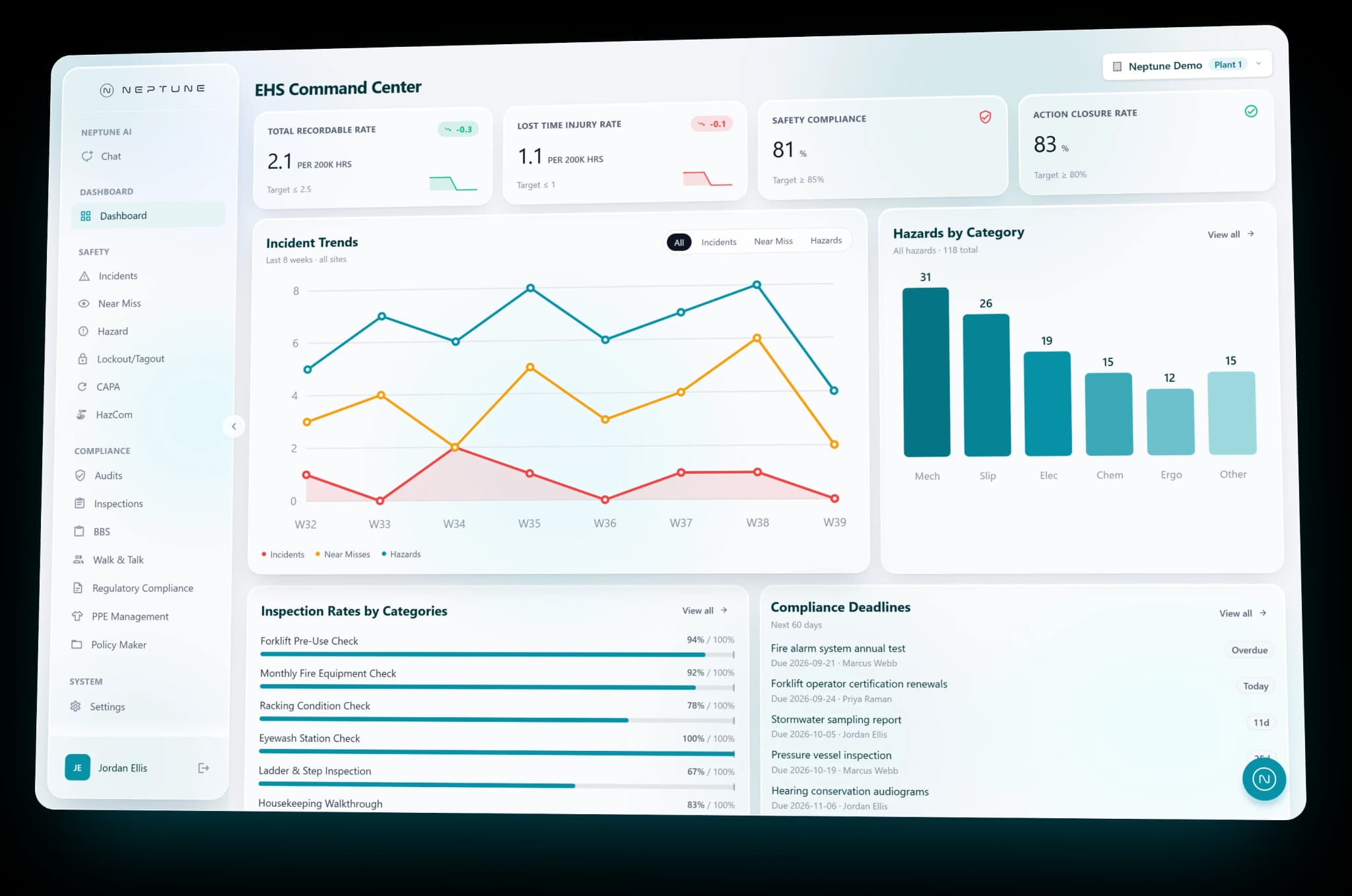
That line is from our LLM integration page, and it's how we added AI to our own products, Neptune EHS and SayThread. This note is what those builds taught us about where AI saves work, and where it adds cost without saving any.
Where it pays off
Turning rough input into finished text
In this kind of task the person already knows what they want to say. The work is getting it into shape.
In Neptune EHS, writing help on incident, near-miss and hazard reports can proofread, paraphrase and draft. In SayThread, Untangle removes the ums, repeats and false starts from speech, and Rewrite changes the tone of a message by voice or with a ready-made style.
These pay off because the content comes from the person, and the AI only changes its form. The person can read the result and judge it at once. In Neptune, every change has an undo, so a suggestion the writer doesn't like costs them nothing.
Answering questions across records
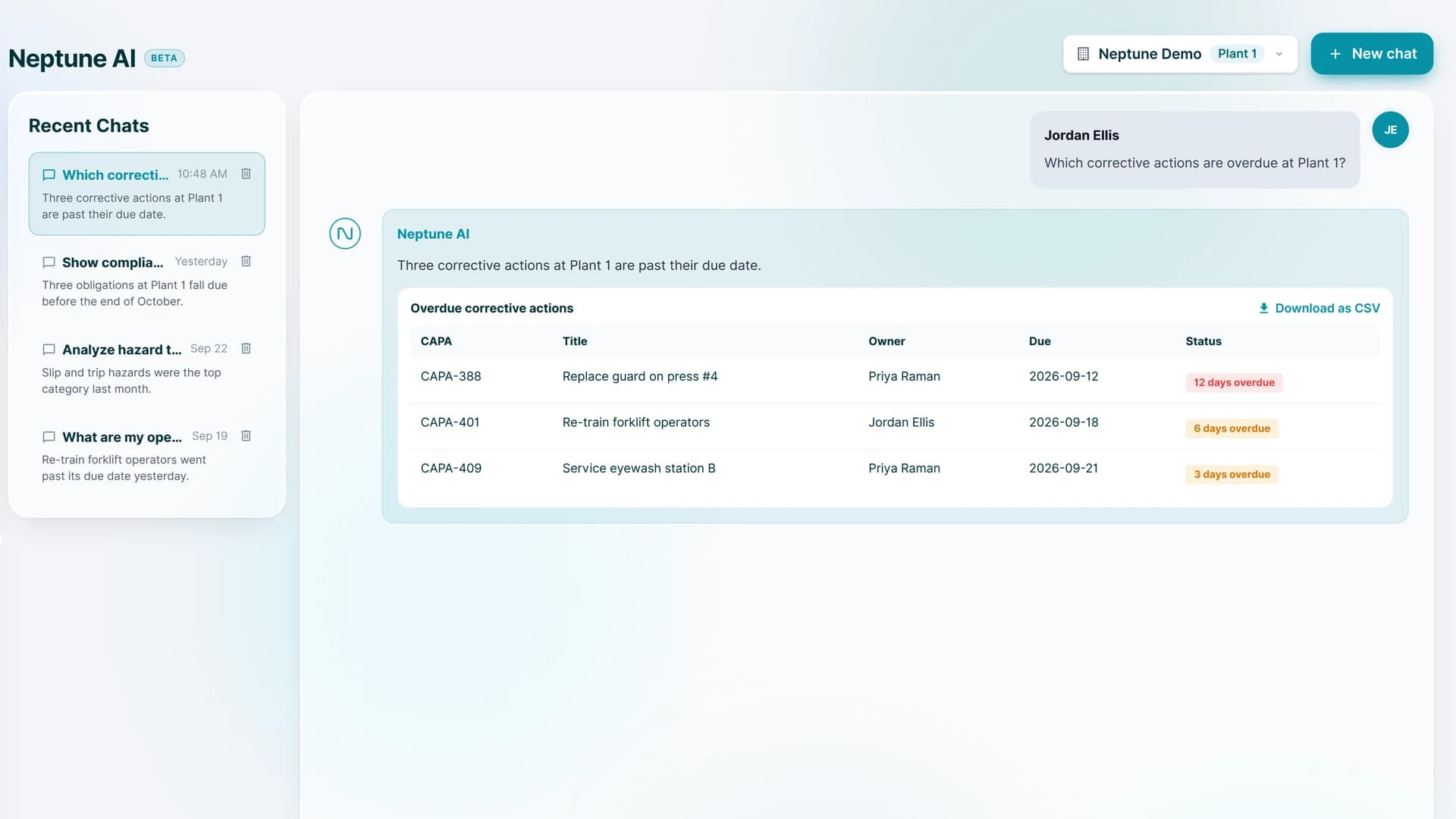
Some answers already sit in the data, spread over many records. Neptune AI is a chat that answers questions from the data for the user's own site, such as which corrective actions are overdue at a plant. It replies with the answer and a table of the records behind it.
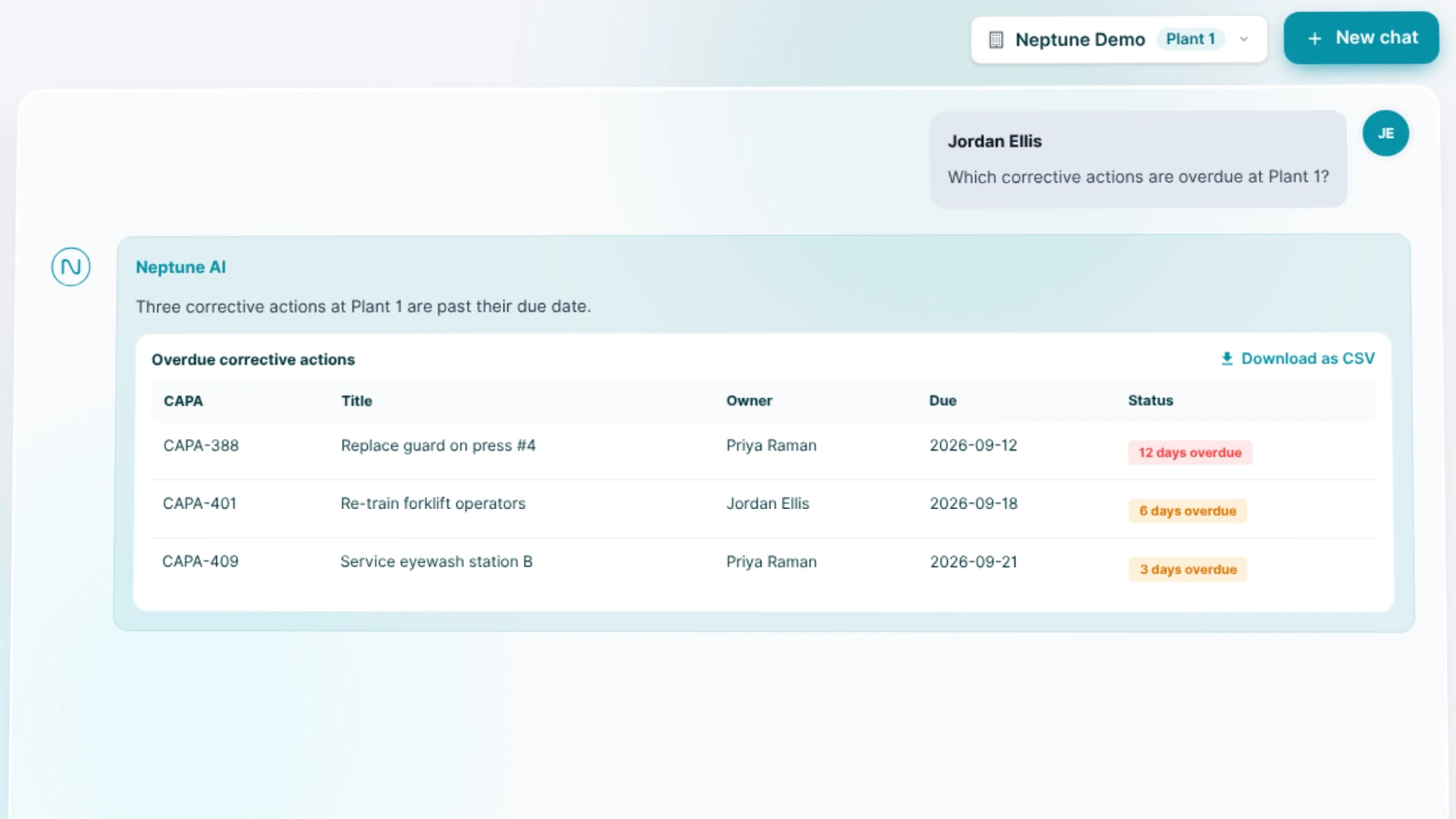
The chat works through ten read-only tools over Neptune's own data, filtered to what that user may see. The answer comes from the records, and the table lists them.
Long recordings into short notes
SayThread records a call or a meeting, then turns it into text and a recap with a summary, a to-do list and chapters. Few people replay a whole meeting to find one decision. The recap gives them the decision, and the full text is there when they need the exact words.
Where it doesn't
When a formula already gives the answer
Neptune shows TRIR and LTIR, the total recordable and lost time injury rates. They have legal formulas. Each is cases times 200,000, divided by hours worked, and the code keeps them exactly as defined.
A model gives a likely answer. A regulator wants the defined one. Where a rule or a formula exists, write the rule. It costs less to run, it gives the same answer every time, and anyone can check it.
When the data model is the problem
Our machine learning page says a model is only as useful as the data and the pipeline around it. The same goes for a chat over your data.
In Neptune, an incident means harm happened, a near miss means it almost did, and a hazard means it could. Each is its own module. The API's responses also mix naming styles, so a mapping layer turns them into one shape before any screen touches them. The backend came first in the build, and AI writing help and the Neptune AI chat came in the last two of its six stages.
If your records don't agree with each other, fix that before you add AI. A chat on top of messy data gives clean-sounding answers to the wrong question.
When simpler tools are enough
In our NLP work we use classic tools such as spaCy and NLTK where they are enough, and large language models where they earn their cost. A large model on every request means a bill on every request. Before you reach for one, check whether a classic tool or a plain search does the job.
When nobody can check the result
If a person can't see what the AI did, they can't catch its mistakes. Neptune's writing help puts an undo on every change, and its chat can only read. Neither one changes a record without the user seeing it.
If a feature you're planning would let AI change data with no review and no undo, design the review and the undo first, or leave AI out of that feature.
How we add it
- Next to your systems, through APIs and separate services, so your core systems keep running as they are.
- With the user's own permissions. In Neptune, each user's permissions travel in their sign-in token, and the AI shows only what that role may see, the same as every screen.
- Read-only first. Neptune's chat has ten tools, and none of them write.
- With encryption, access controls and audit trails around every AI service we connect.
- With prompts, retrieval and fallbacks that fit your data, and a provider chosen per use case, so you aren't tied to one vendor.
Questions to ask before you add it
- Which task does a person do today that this would shorten?
- Is there a rule or a formula that already gives the answer?
- Do your records agree with each other?
- Can the user see and undo what the AI did?
- Does the AI see exactly what this user may see, and no more?
If the answers point to AI, add it inside the tool where the task already happens. If they point to a formula or a data fix, do that first. AI can come later, on a better base.
Where to start
If you have a task in mind and aren't sure which side it falls on, send it to us through the contact page. We'll tell you whether AI is the right tool for it, or whether plain code is.